Design plays a critical role in how users perceive your website. With sitestudio, you don’t need professional design skills to create a polished, high-converting site. By applying a few smart design hacks, you can instantly improve usability, engagement, and trust—without writing a single line of code.
Your website has only a few seconds to make a strong impression. If it looks cluttered, outdated, or confusing, visitors leave. sitestudio empowers beginners and businesses to fix design problems quickly using built-in tools and layouts.
Clean design builds credibility. A well-structured sitestudio website signals professionalism and reliability the moment users land on your page.
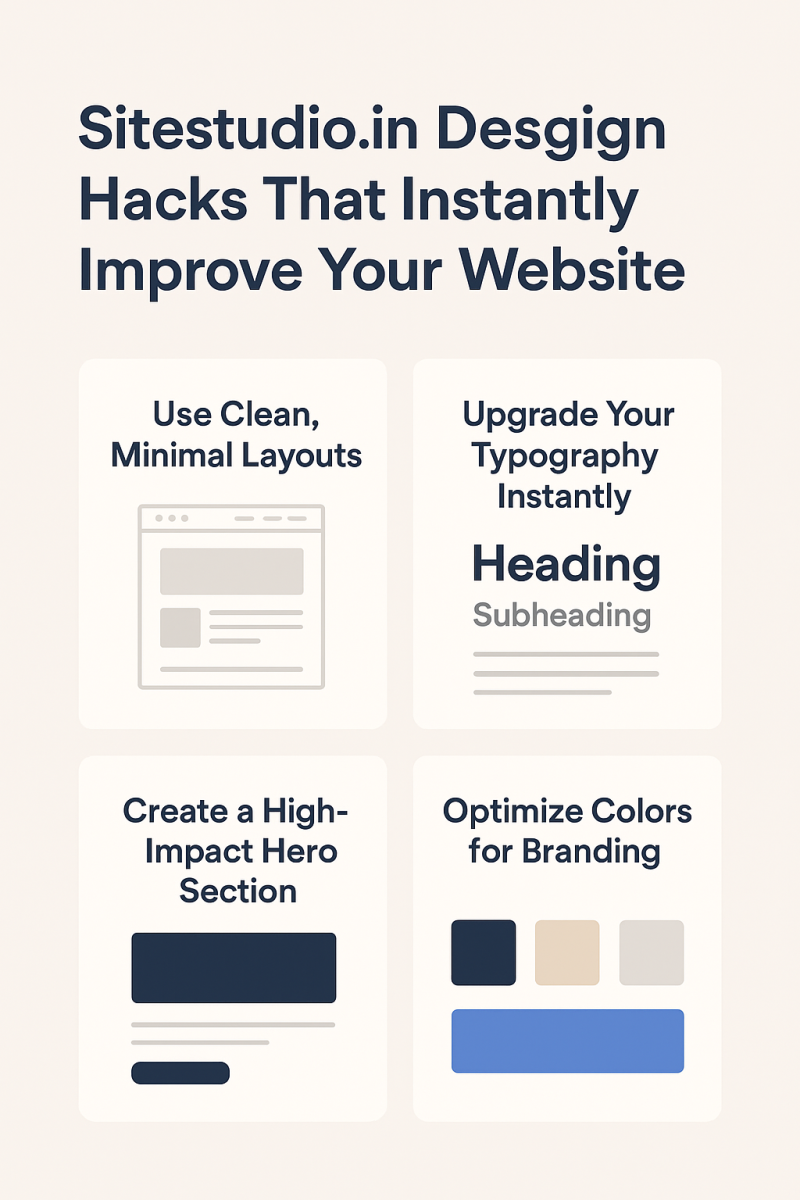
Less is more. Overcrowded pages confuse users and hide your message.
Limit the number of sections per page, use clear headings, and remove unnecessary animations.
Spacing can instantly elevate your website and improve readability.
Use padding and margins to separate sections, improve readability, and highlight important content.
Fonts strongly influence how your brand feels to visitors.
Use one font for headings, one for body text, and avoid decorative fonts for long content.
Your hero section is the most viewed part of your website.
Your hero section should include a clear value proposition, a short supporting sentence, and one strong call-to-action button.
Why design from scratch when you don’t need to?
Use pre-built blocks for testimonials, pricing, FAQs, and contact forms.
Color consistency makes your site look professional and premium.
Blue = Trust
Green = Growth
Black = Luxury
Orange = Action
Buttons guide user behavior and conversions.
Use contrasting colors, action-focused text like “Get Started” or “Book Now”, and avoid placing multiple CTAs in one section.
Over 60% of traffic is mobile. Your design must work perfectly on small screens.
Reduce text length, increase button size, and stack columns vertically. sitestudio’s mobile preview makes this easy.
Images should support your message, not distract from it.
Use consistent image styles, avoid oversized images, and keep aspect ratios uniform across pages.
Trust turns visitors into customers.
Add client testimonials, star ratings, and brand logos. sitestudio provides ready-made testimonial blocks.
Good navigation keeps users engaged and reduces bounce rates.
Limit menu items to 5–7, use clear page names, and avoid deep dropdown menus.
Design directly impacts performance and SEO.
Avoid heavy animations, compress images, and stick to simple layouts. sitestudio is speed-optimized, and clean design enhances it further.
With sitestudio, improving your website design doesn’t require a designer or developer. These simple design hacks can dramatically enhance your site’s appearance, usability, and performance—often in just minutes. Small changes truly lead to big results.
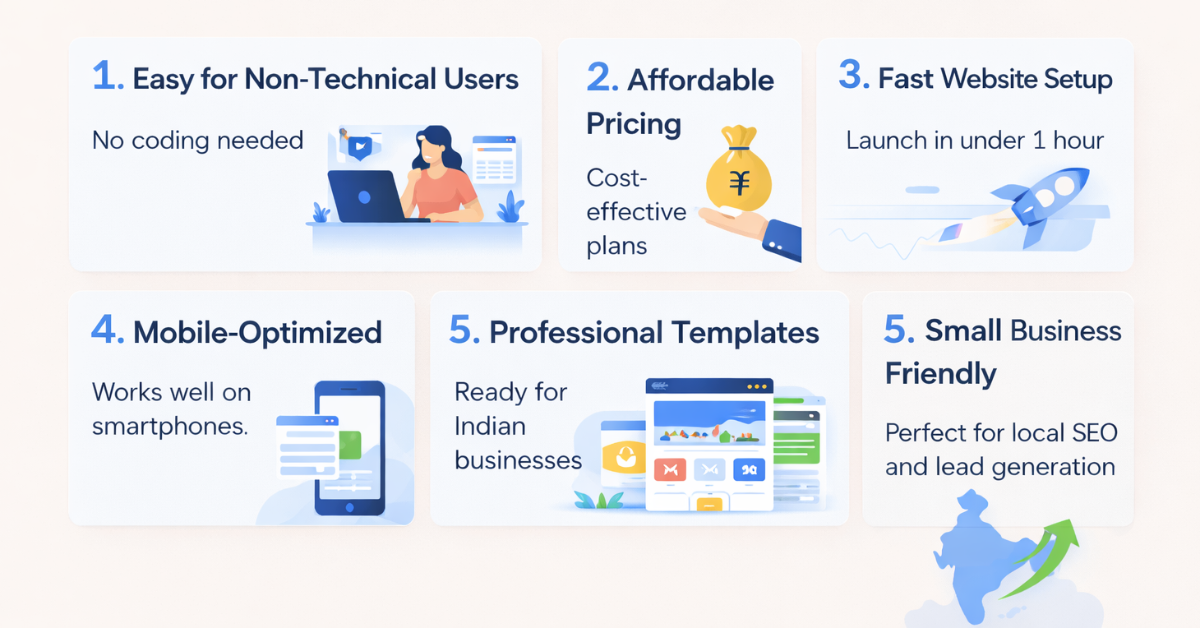
No, sitestudio is built specifically for beginners.
Yes, most changes take under 10 minutes.
Absolutely. Clean design improves trust and usability.
Yes, sitestudio automatically adapts designs for mobile.
Yes, you can easily revert changes.
Yes, it’s ideal for small and growing businesses.


Lorem Ipsum is simply dummy text of the printing and typesetting industry. Lorem Ipsum has been the industry's standard dummy. Transform your vision into a fully functioning and highly responsive website with our expert website development services. Our skilled developers utilize the latest technologies to build custom... Introducing the revolutionary travel package management module. Craft dynamic itineraries, tailor pricing, track availability, manage inclusions, automate promotions, analyze trends. Optimize,... Social media marketing: We develop and execute a targeted social media strategy to increase your brand's visibility and engagement on popular social media platforms like Facebook, Instagram, and...
Services

Website Development

Tours & Travels

Social Media Marketing
Site Studio is amazing to work with! They are professional, responsive, and delivered a high-quality website that exceeded my expectations. I would highly recommend them to anyone looking for a website development service.
What our clients say about Site Studio
Satisfied people feedback

